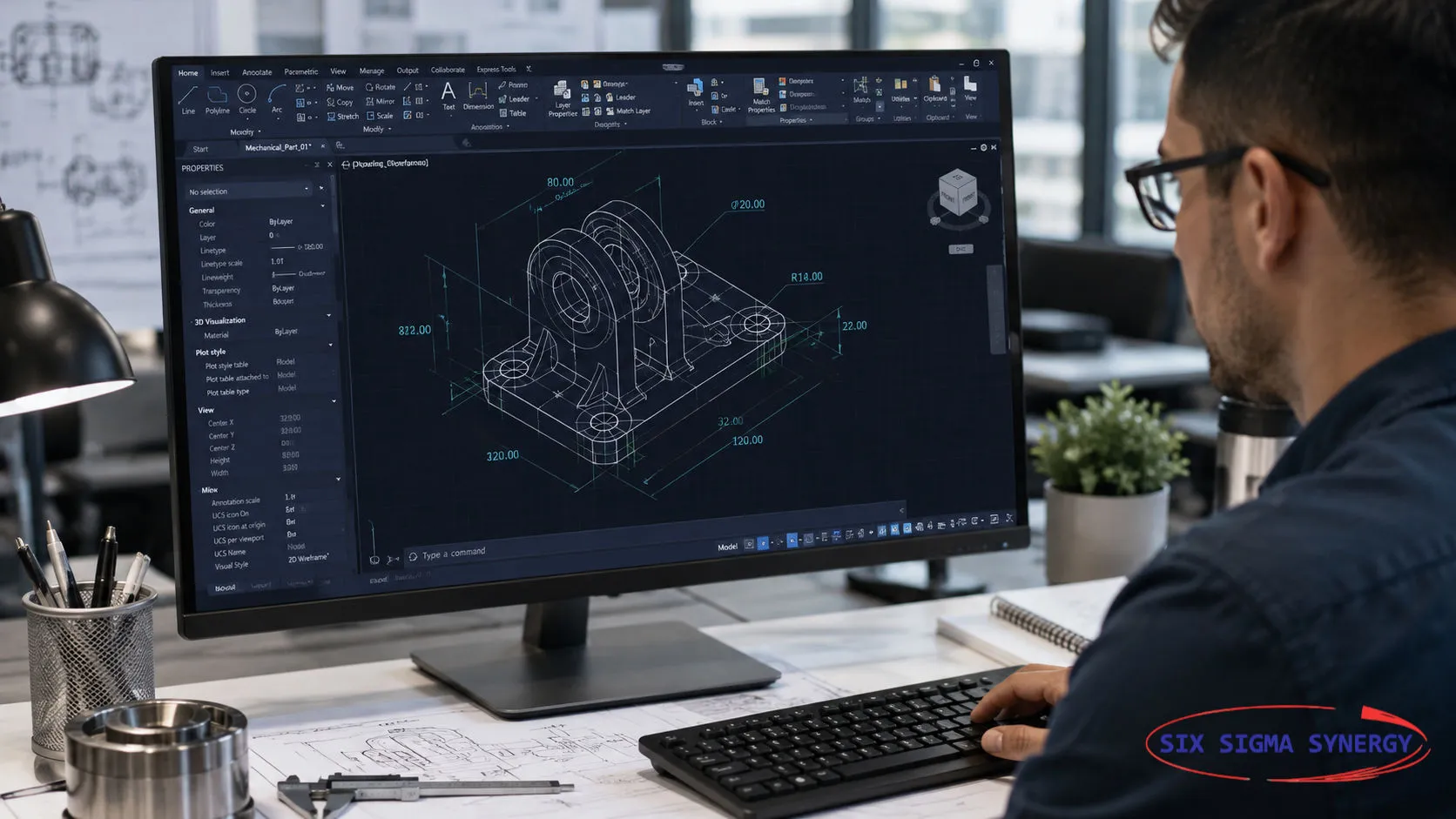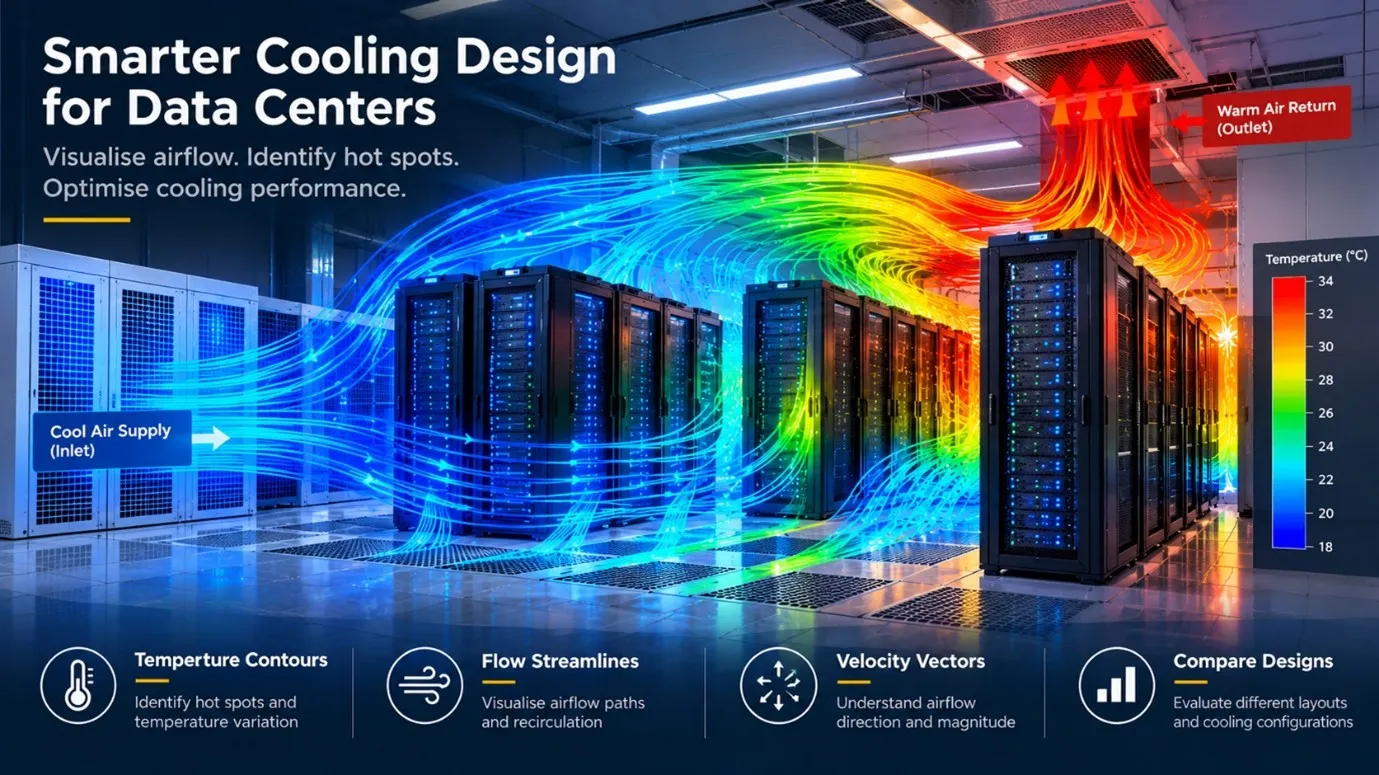

Data centres generate significant heat from servers, storage systems, and networking equipment. Maintaining suitable operating temperatures is essential for reliable performance. However, simply supplying cold air is not enough. Airflow must reach the equipment effectively, heat must be removed efficiently, and unwanted recirculation must be minimised to prevent localised hot spots. ANSYS CFD/Fluent plays a vital role in designing an efficient air circulation system. This concept can be applied not only to data centres but also to clean rooms and healthcare facilities. It all starts with CAD modelling, including all the necessary information regarding the shape, size, and placement of equipment, vents, etc., at the right locations. The model may be a preliminary representation, but the geometry should be kept as simple as possible while taking critical areas or zones into account. The main idea behind simplifying the model is to prevent failures during discretisation. ANSYS Fluent allows engineers to select the appropriate mathematical model and wall functions based on their objectives. Boundary conditions, flow parameters, and equipment or server temperatures are provided to match real-world scenarios. Once the solution has converged, it is time to examine the data provided by ANSYS Fluent. Post-processing results, such as temperature contours, help identify potential hot spots and temperature variations around server racks. Flow streamlines illustrate airflow paths, recirculation, and how effectively cool air reaches different areas. Velocity vectors show the direction and magnitude of airflow, helping engineers understand how air is distributed throughout the room. Together, these results provide valuable insight into the cooling performance of the proposed design. By analysing these data, engineers can determine the right locations for vents and equipment to help data centres operate more quietly, smoothly, and efficiently.
AutoCAD has a long-standing feature called AutoLISP, which engineers and drafters have used to automate tasks by writing programs containing a set of…
Read MoreAutoCAD 2027 brings AI-powered help with Autodesk Assistant, automatic Geometry Cleanup, team editing with Checkout and smoother 3D graphics. Here is…
Read MoreInspecting defects out at the end is slow and costly. Learn how Jidoka and Poka-Yoke build quality in at the source, with examples from manufacturing…
Read More
If you are project engineers, graduate students, school leavers, planners or designers who are looking for any of the above training courses, Six Sigma Synergy is the best choice!