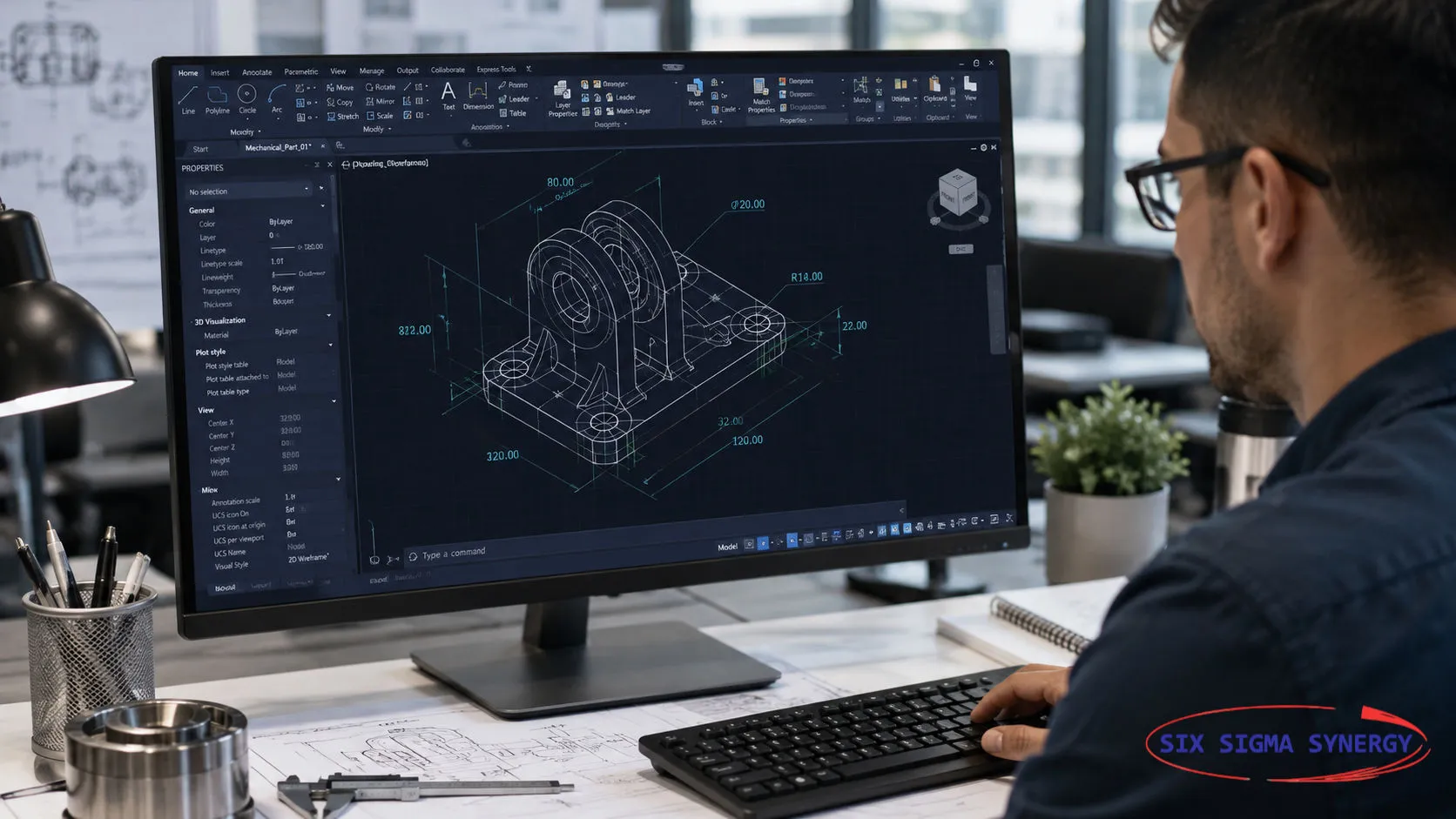

AutoCAD 2027 introduces a range of enhancements designed to improve drafting productivity, drawing accuracy and collaboration. Announced by Autodesk in March 2026, the latest release focuses on three big themes: AI-powered assistance, automated geometry correction and connected, cloud-based design workflows. Together, these improvements help CAD professionals handle everyday drafting tasks more efficiently while staying in full control of their designs and technical decisions.
Here is a clear look at the key features in AutoCAD 2027 and what they mean for drafters, engineers and architects.
| Feature | What it does |
|---|---|
| Autodesk Assistant (tech preview) | AI-powered, conversational guidance, including checking drawings against your organisation's CAD standards |
| Geometry Cleanup | Finds gaps, overshoots, undershoots and misaligned angles, and suggests fixes |
| Forma Data Management Essentials | Shared cloud project space for storing, viewing, marking up and sharing drawings |
| Checkout | Lets several team members edit selected objects in the same DWG at the same time |
| Connected References and Support Files | Repairs broken Xrefs and centrally manages tool palettes and CUI customisations |
| 3D graphics improvements | Smoother navigation and better display of materials, lighting and Realistic visual styles |
One of the key highlights of AutoCAD 2027 is the new Autodesk Assistant. It brings AI-powered, in-context guidance and conversational workflows directly into your drawing session. You can ask questions in plain language and get answers that relate to what you are working on.
A particularly useful capability is CAD standards checking. By uploading a reference file, you can ask the Assistant to check your drawing against your organisation's CAD standards, such as layers, styles and naming conventions. For companies that need consistent drawings across teams and projects, this can save a lot of manual review time.
Note: Autodesk Assistant is released as a tech preview, so its capabilities are expected to grow in future updates.
Every drafter knows the frustration of small geometry errors: lines that almost meet, lines that run past each other, or angles that are slightly off. These problems often go unnoticed until they cause trouble later, for example when creating hatches, calculating areas or sharing files with other software.
Geometry Cleanup automatically identifies common drafting errors such as:
It then suggests targeted corrections, reducing time spent on manual cleanup and producing more reliable files for downstream work.
AutoCAD 2027 now includes Forma Data Management Essentials with standalone AutoCAD subscriptions. It gives teams a shared, cloud-managed project environment where they can:
Autodesk positions this especially for small and mid-sized architecture and engineering firms, civil design practices and specialty consultants.
Traditionally, when one person opens a shared drawing, the whole file is locked for everyone else. The new Checkout workflow changes this. Team members can check out only the drawing objects they need to change, edit them separately and then merge the changes back into the shared drawing. This avoids extra copies of the file and the risk of accidentally overwriting a colleague's work. Checkout works with drawings stored in Forma Data Management.
For drawings stored in Forma, AutoCAD 2027 also protects your external references (Xrefs). If a referenced file is moved or renamed, AutoCAD detects it and offers to repair the references from the Xref palette in a single click. CAD managers also get central control over cloud-managed support files, which now include tool palettes and CUI customisations, so the right resources load automatically with each project drawing.
AutoCAD 2027 expands support for the newer graphics system, delivering smoother 3D navigation and broader 3D coverage. Realistic visual styles, materials and lighting now display better, making it easier to review and present 3D models with confidence.
The browser version of AutoCAD also receives updates, including the ability to view, create and resolve issues in Forma-managed drawings, save plots to the cloud with PDF preview, and an improved Sheet Set Manager.
These developments show Autodesk's continued focus on making CAD workflows more intelligent, connected and efficient. AI-assisted tools and automated corrections can reduce repetitive manual work, freeing drafters to focus on design quality.
However, technology does not replace professional skill. CAD professionals remain responsible for verifying drawing accuracy, dimensions and compliance with project requirements. A strong foundation in core AutoCAD commands, drafting standards and good drawing practice is what allows you to use these new tools confidently, and to spot when an automated suggestion is not right.
Understanding the new capabilities in AutoCAD 2027 helps you find opportunities to improve your drafting processes and keep up with how the industry is changing.
Whether you are new to CAD or want to sharpen your skills, our hands-on courses help you work faster and more accurately:
Looking for training for your team? Contact us to arrange in-house AutoCAD training for your organisation.
The main new features are Autodesk Assistant (AI-powered guidance, released as a tech preview), Geometry Cleanup, Forma Data Management Essentials, the Checkout workflow for team editing, Connected References and Support Files, and improved 3D graphics.
Geometry Cleanup identifies common errors such as gaps, overshoots, undershoots and misaligned angles and suggests corrections. The user still reviews and approves the changes, and remains responsible for the accuracy of the drawing.
Yes. With the Checkout workflow in AutoCAD 2027, team members can check out only the objects they need to edit in a drawing stored in Forma Data Management, then merge their changes back, without locking the whole file.
Source: Autodesk, AutoCAD 2027 official announcement and AutoCAD 2027 What's New documentation. AutoCAD, Autodesk and Forma are registered trademarks of Autodesk, Inc.
Inspecting defects out at the end is slow and costly. Learn how Jidoka and Poka-Yoke build quality in at the source, with examples from manufacturing…
Read More
If you are project engineers, graduate students, school leavers, planners or designers who are looking for any of the above training courses, Six Sigma Synergy is the best choice!