• +60379566306
  • info@6sigmasynergy.com.my
Follow Us :
Six Sigma Synergy
  • Data Analysis NEW
    • MICROSOFT EXCEL (INTERMEDIATE) HOT
    • 1 DAY-EXCEL ESSENTIALS NEW
    • 1 DAY-EXCEL FOR EVERYDAY PRODUCTIVITY NEW
    • 1 DAY(In-House) - INTERACTIVE DASHBOARD USING EXCEL NEW
    • MICROSOFT EXCEL (ADVANCED)
    • MICROSOFT EXCEL AND PIVOT TABLE
    • Microsoft Excel Power BI HOT
    • Microsoft Power BI Certification HOT
    • Tableau Desktop NEW
    • Python For Data Science / Data Analysis
    • Microsoft Power Automate for Cross-Department Business Process Automation HOT
  • Lean Six Sigma HOT
    • Lean Thinking
    • Lean Practitioner
    • Lean Six Sigma Yellow Belt Certification
    • Lean Six Sigma Green Belt Certification
    • Lean Six Sigma Black Belt Certification (Service Sector)
    • Lean Six Sigma Black Belt Certification (Industrial Sector)
  • CAD course
    • AutoCAD 2D
    • AutoCAD 3D
    • AutoCAD Electrical
    • Ansys Mechanical
    • Ansys Fluent
    • AutoDesk Inventor
    • SolidWorks
    • PLC Engineering NEW
    • Revit MEP
    • Revit Architecture
  • Project Management
    • Project Management Professional HOT
    • Primavera
    • Microsoft Project Training HOT
    • PMI – Agile Training
    • PPM Concepts
  • EXIN Courses
    • EXIN BCS Artificial Intelligence Foundation NEW
    • EXIN BCS Generative Artificial Intelligence Award NEW
    • EXIN Privacy and Data Protection Foundation
    • EXIN Information Security Foundation based on ISO/IEC 27001
    • EXIN Privacy and Data Protection Professional
    • EXIN BCS Machine Learning Award
    • EXIN Data Analytics Foundation
  • Others
    • ASME – BASIC NEW
    • ASME – INTERMEDIATE NEW
    • TECHNICAL REPORT WRITING WITH AI NEW
    • PERSONAL DATA PROTECTION IN PRACTICE NEW
    • STRATEGIC PERSONAL DATA PROTECTION & PRIVACY STRENGTHENING NEW
  • Enquire Now
Six Sigma Synergy

Contact Info

  • C-18-06, 3 two square, Block C, 6th floor, Jalan 19/1, 46300 Petaling Jaya, Selangor, Malaysia
  • +60379566306
  • info@6sigmasynergy.com.my
  • Home
  • Courses
  • 1 DAY-EXCEL ESSENTIALS

1 DAY-EXCEL ESSENTIALS

1 DAY-EXCEL ESSENTIALS
  • OVERVIEW

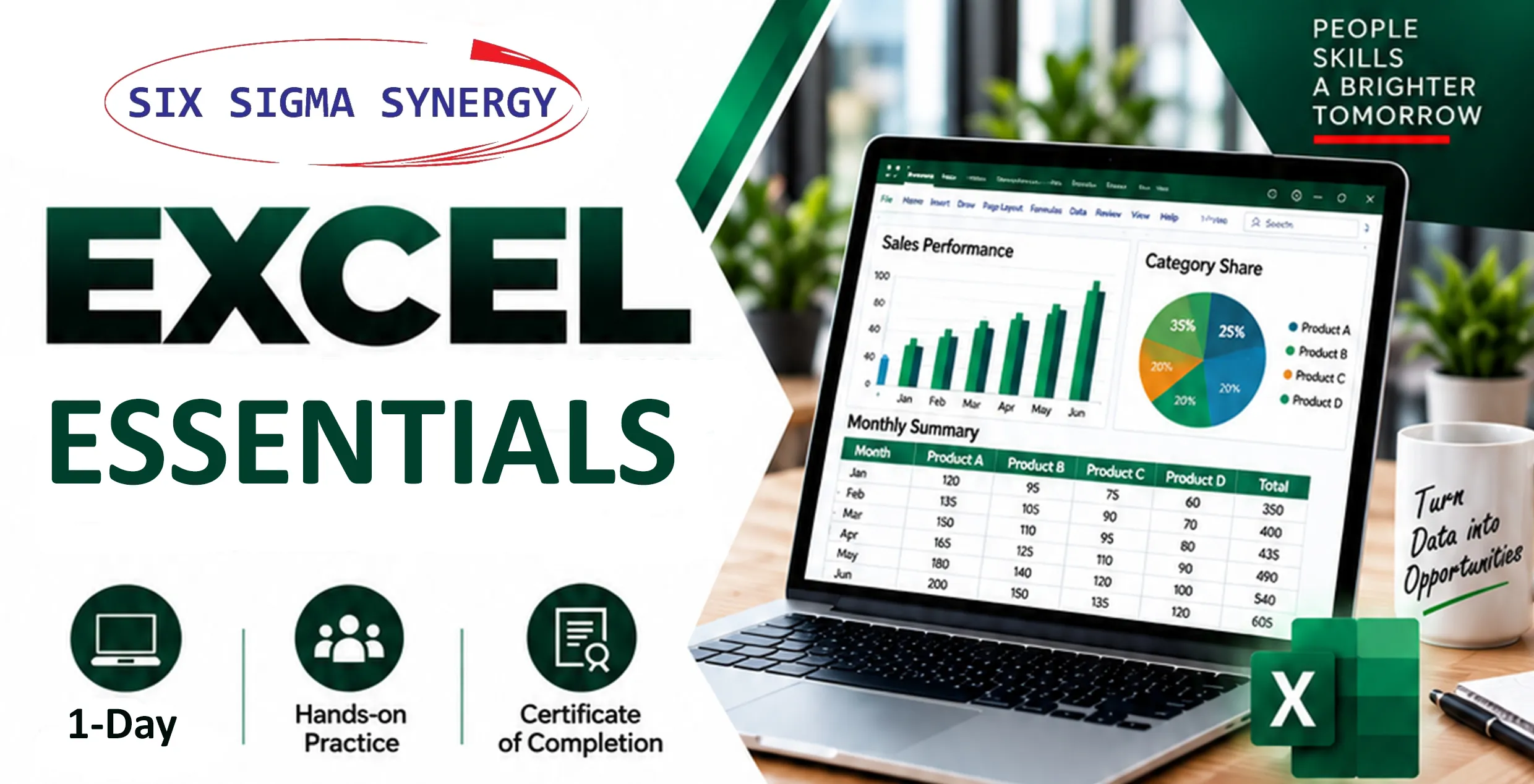
A focused 1-day course to build practical Excel skills for data analysis and reporting.

Course Outline

MODULE 1 – EXCEL FORMULAS & FORMULA AUDITING

  • Formula structure and operators
  • Relative, absolute and mixed references
  • Naming a range of cells
  • Understanding Excel's data types
  • Trace Precedents & Trace Dependents
  • Understanding Excel errors and how to correct them

MODULE 2 – EXCEL TABLES

  • Convert data into an Excel Table
  • Table styles and formatting
  • Table expansion
  • Structured references
  • Using table names in formulas

MODULE 3 – TIME & DATE FUNCTIONS

  • The concept of Date & Time in Excel
  • The Date and Time data type
  • Solving problems relating to date and time
  • Important Date and Time Functions

MODULE 4 – LOGICAL FUNCTIONS

  • The IF functions
  • Using nested IF function to solve multiple criteria problems
  • Applying the IFS function
  • Or & And Functions

MODULE 5 – STATISTICAL FUNCTIONS

  • Essential statistics functions
  • The conditional statistics functions: SUMIF, SUMIFS, AVERAGEIF, AVERAGEIFS, COUNTIF and COUNTIFS

MODULE 6 – LOOKUP FUNCTIONS

  • VLOOKUP
  • Understanding how to choose approximate match and exact match for VLOOKUP
  • XLOOKUP

MODULE 7 – CHARTS

  • Create sparklines
  • Create charts and work with the various chart options
  • Standard charts will be covered: Column chart, Bar chart, multi column chart, pie chart and line chart

Course Info

  • No. Of Days: 1 DAY
  • Class Time:9:00 am to 5:00 pm
  • Language:English
Enquire Now

Our Successful Training Highlights

The Lean Six Sigma Yellow Belt training at C.S. Yap Engineering refreshed understanding with engaging tools and group activities.

YELLOW BELT TRAINING

The Excel Intermediate training at MPOB was well-received for its engaging teaching style, practical shortcuts, and real-job relevance.

EXCEL INTERMEDIATE
EXCEL INTERMEDIATE

The AutoCAD 2D training was described as clear and easy to follow, with practical tips that helped beginners build confidence.

AUTOCAD 2D
AUTOCAD 2D

The Excel Intermediate training at KONE Elevators was praised for its hands-on approach, clear explanations, and practical Excel tips.

EXCEL INTERMEDIATE
EXCEL INTERMEDIATE

The Lean Six Sigma Green Belt training featured interactive group activities and structured tools for real-world projects.

SIX SIGMA GREEN BELT

The Excel Intermediate training provided practical skills and advanced techniques useful for professional reporting.

EXCEL BASIC & INTERMEDIATE

The Microsoft Project training at ST Electronics was interactive and well-delivered, with effective hands-on learning.

MS PROJECT
MS PROJECT

The Excel Intermediate training at Subsea Malaysia was relevant and practical, with helpful tips and clear explanations.

EXCEL INTERMEDIATE
EXCEL INTERMEDIATE

Participants appreciated the hands-on practice and real-life scenarios, which helped reinforce their understanding of Microsoft Project tools.

MSP
MSP

The Excel training was praised for its hands-on approach, engaging delivery, and simplified explanations that enhanced participants data skills.

EXCEL INTERMEDIATE
EXCEL INTERMEDIATE
Six Sigma Synergy

If you are project engineers, graduate students, school leavers, planners or designers who are looking for any of the above training courses, Six Sigma Synergy is the best choice!

Quick links

  • About Us
  • Blog

Useful Links

  • Enquire Now
  • Contact us

Connect

C-18-06, 3 two square, Block C, 6th floor, Jalan 19/1, 46300 Petaling Jaya, Selangor, Malaysia

  • Phone : +60379566306

  • Email : info@6sigmasynergy.com.my

© Copyrights , Six Sigma Synergy. All Rights Reserved.
Developed By Techno Vibes

Trams & Condition Privacy Policy Contact Us
Send an Enquiry