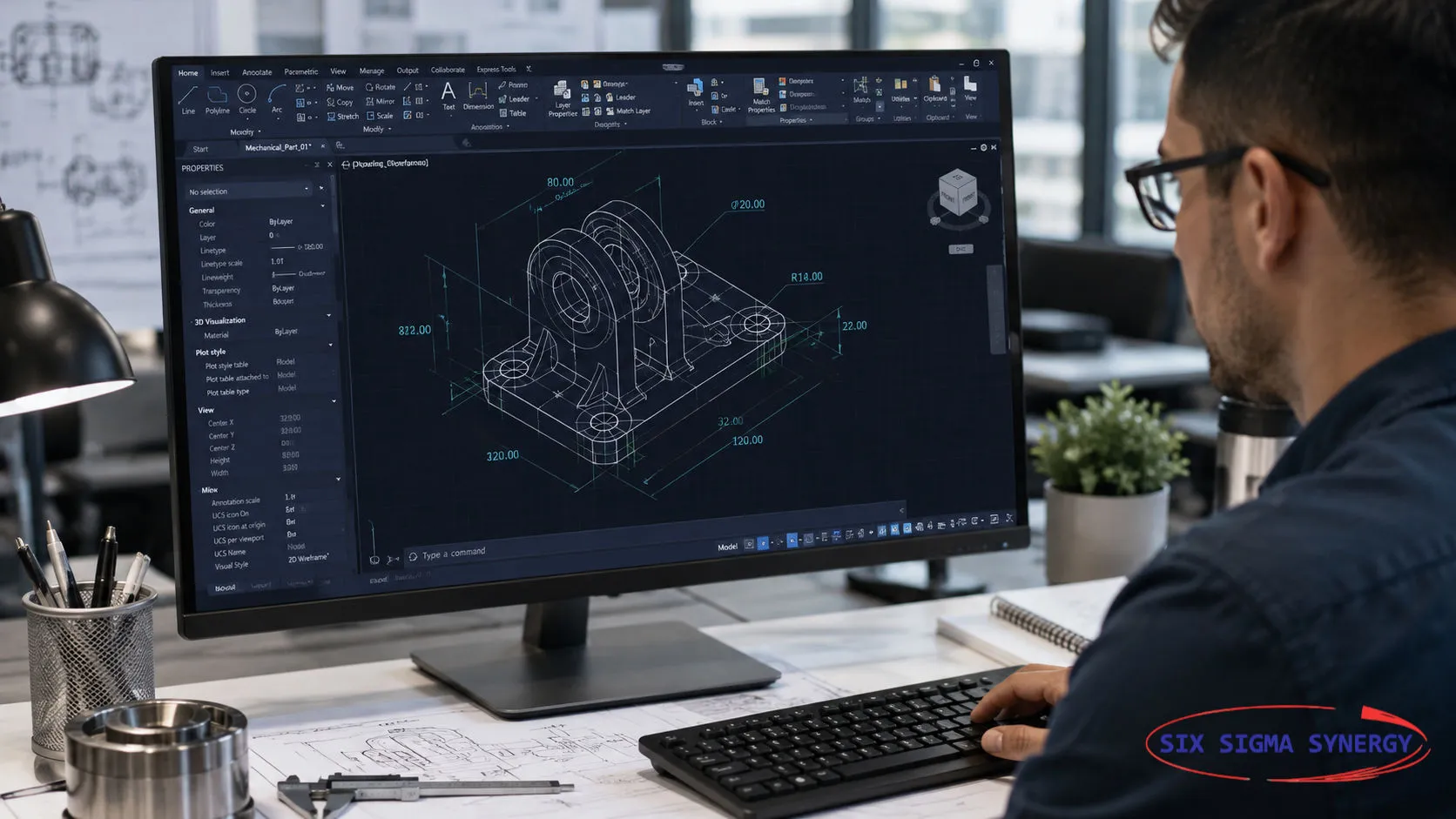

AutoCAD has a long-standing feature called AutoLISP, which engineers and drafters have used to automate tasks by writing programs containing a set of instructions. However, not everyone is comfortable with programming, making it challenging to develop custom AutoLISP routines. With the advancement of AI tools such as ChatGPT, things are becoming easier. Users can now describe a specific task through a prompt and use ChatGPT to generate an AutoLISP program to accomplish it. Consider creating a Bill of Materials (BOM) table in AutoCAD. Preparing it manually involves counting components, organising quantities, and entering information into a table, which can be time-consuming and may lead to human errors. ChatGPT can help generate an AutoLISP routine based on the requirements provided. The generated LISP file can then be loaded into AutoCAD and executed to produce the required output. The first attempt may not always deliver the desired result, so testing and refinement may be necessary. By adjusting the prompts in ChatGPT, users can improve the program until it meets their requirements. Once tested and refined, the AutoLISP file can be saved and reused for future projects, reducing the need to repeat the same manual work. Combining ChatGPT with AutoLISP opens up new possibilities for automating repetitive AutoCAD tasks, including BOM generation and quantity takeoff. For professionals involved in quantity surveying and technical drafting, this approach can help save time, improve consistency, and reduce repetitive manual effort. The real advantage is that users no longer need to be expert programmers to start exploring CAD automation. With clear prompts, appropriate testing, and a good understanding of the task, ChatGPT can help turn everyday drafting challenges into reusable tools.
A prompt can be like this:
"Write an AutoLISP program for AutoCAD that allows me to select blocks in a drawing, count the quantity of each block name, and generate a Bill of Materials (BOM) table containing the item number, block name, and total quantity. Please include clear instructions for loading and running the LISP file in AutoCAD"
Data centres generate significant heat from servers, storage systems, and networking equipment. Maintaining suitable operating temperatures is…
Read MoreAutoCAD 2027 brings AI-powered help with Autodesk Assistant, automatic Geometry Cleanup, team editing with Checkout and smoother 3D graphics. Here is…
Read MoreInspecting defects out at the end is slow and costly. Learn how Jidoka and Poka-Yoke build quality in at the source, with examples from manufacturing…
Read More
If you are project engineers, graduate students, school leavers, planners or designers who are looking for any of the above training courses, Six Sigma Synergy is the best choice!